Creatine reminder
Take your dose.
Plan your creatine, log each dose with one tap and watch the day fill up. No account, no clutter. Just today’s dose and a habit that sticks.

Free for iPhone. No account needed.
5 / 20g
Loading day 4 of 7
Try it. Log today’s doses.
Tell it your weight and whether you’d like a loading week. Creatine Jotter suggests a starting plan from published guidance, splits it into amounts you can actually measure, and lets you change any of it.
Loading phase
20 g a day for 7 days
Then 3 g a day to stay topped up.
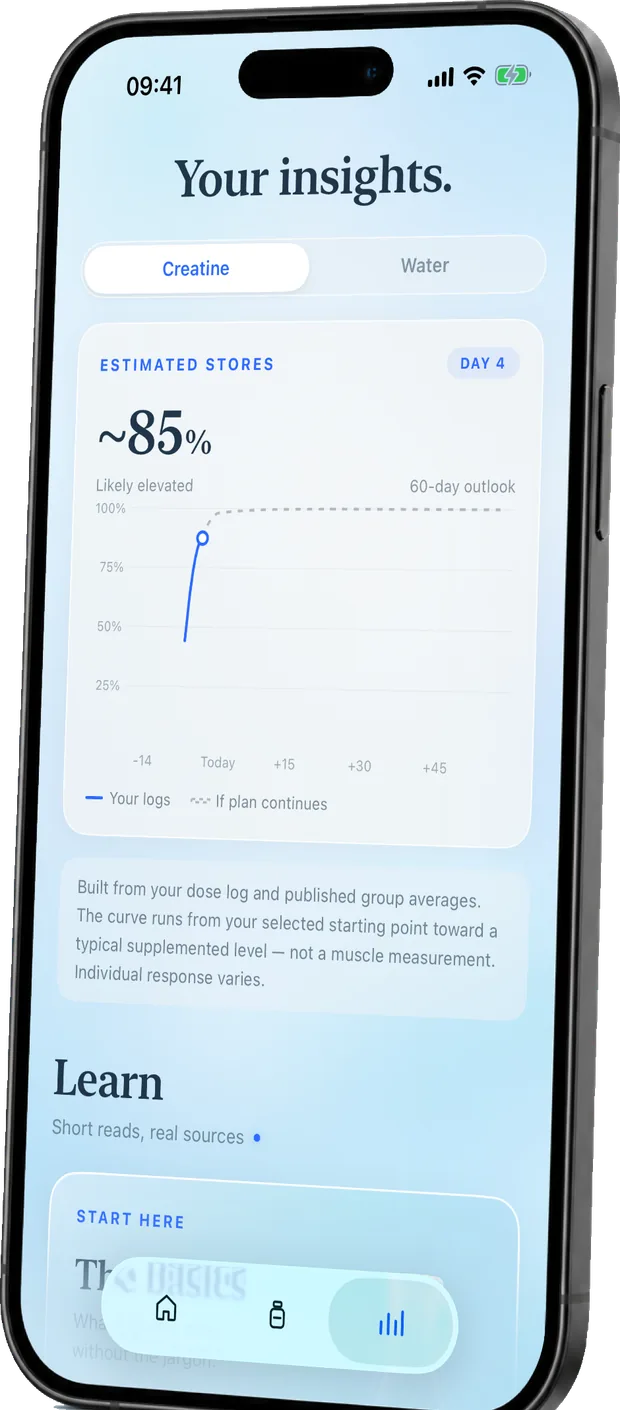
Loading first gets to about 95% around day 6. A steady 3 g a day gets there around day 32.
The curve is the app’s modelled estimate, fitted to group averages published by Hultman et al. (1996). It’s a guide, not a measurement of your muscles, and people respond differently.
Life happens. If a loading day slips, the app notices and offers to extend the loading phase by a day. Accept it, or put things back the way they were. Forgot to log? Tap any earlier day in the calendar to fill it in.
Plan update
Loading extended by 1 day
Nothing was logged on one loading day, so your estimated saturation is running behind. A longer loading phase keeps you on track.
Log a dose in the app, from a Home Screen widget, in Control Center or straight from a reminder, without opening anything. Each one knows when today’s target is met and stops offering more.
Give them a tap. They share one day with the sphere at the top of this page.
Creatine reminder
Take your dose.
0 / 4.35 L
Pick the cup or bottle you actually drink from and tap to count it. Your goal starts from your weight and grows a little for each gram of creatine you log, shown as amber slots. After a dose, the app suggests a glass to chase it with.
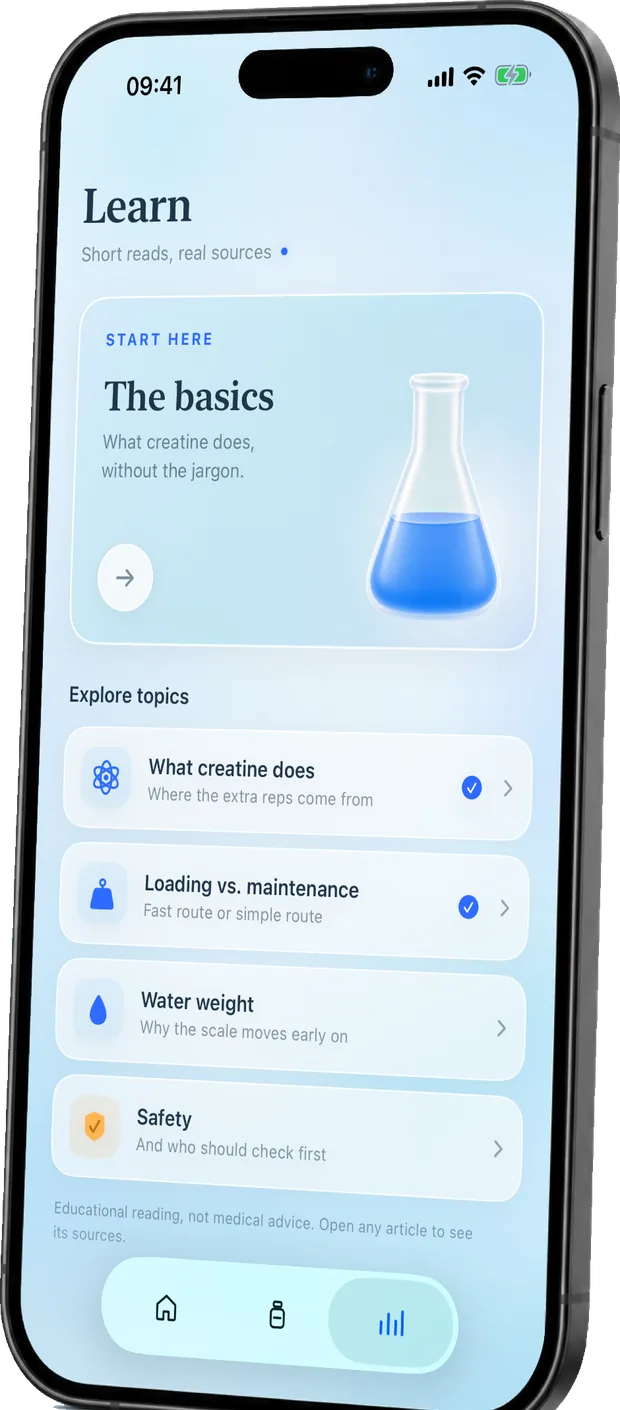
The Learn tab explains creatine in plain words and links every claim to the published research behind it. Your insights sit next door: adherence, streaks and the loading estimate, always labelled as an estimate.
Free on the App Store. Requires iOS 18 or later.